

If you’ve opened Instagram lately, you may have seen a “+ Add your Muse” prompt under your bio, a Muse option in the share menu, or friends’ profiles with a Muse banner. You may also remember headlines from the summer about a Muse feature that turned people’s public photos into AI images.
Here’s the short answer: Muse is Meta’s personal AI agent, and you can now add it to your Instagram profile. It’s an assistant that can actually do tasks for you, not just answer questions. This article explains what Muse is, how it works with Instagram, how to set it up, what it costs, and what happened with the controversial Muse Image feature.
Three meanings of “Muse” on Instagram
The word shows up on Instagram in three different ways, which is why so many people are confused:
- The Muse AI agent. Meta’s personal assistant, which can now sit on your profile. This is what most people mean today.
- Muse Image. Meta’s AI image generator. A feature that used public Instagram accounts as references was pulled in July 2026 after a backlash.
- The slang meaning. Long before AI, people captioned photos “my muse” or tagged a partner, friend, or model as the person who inspires them.
The rest of this article focuses mostly on the first two.
What is Meta’s Muse AI agent?
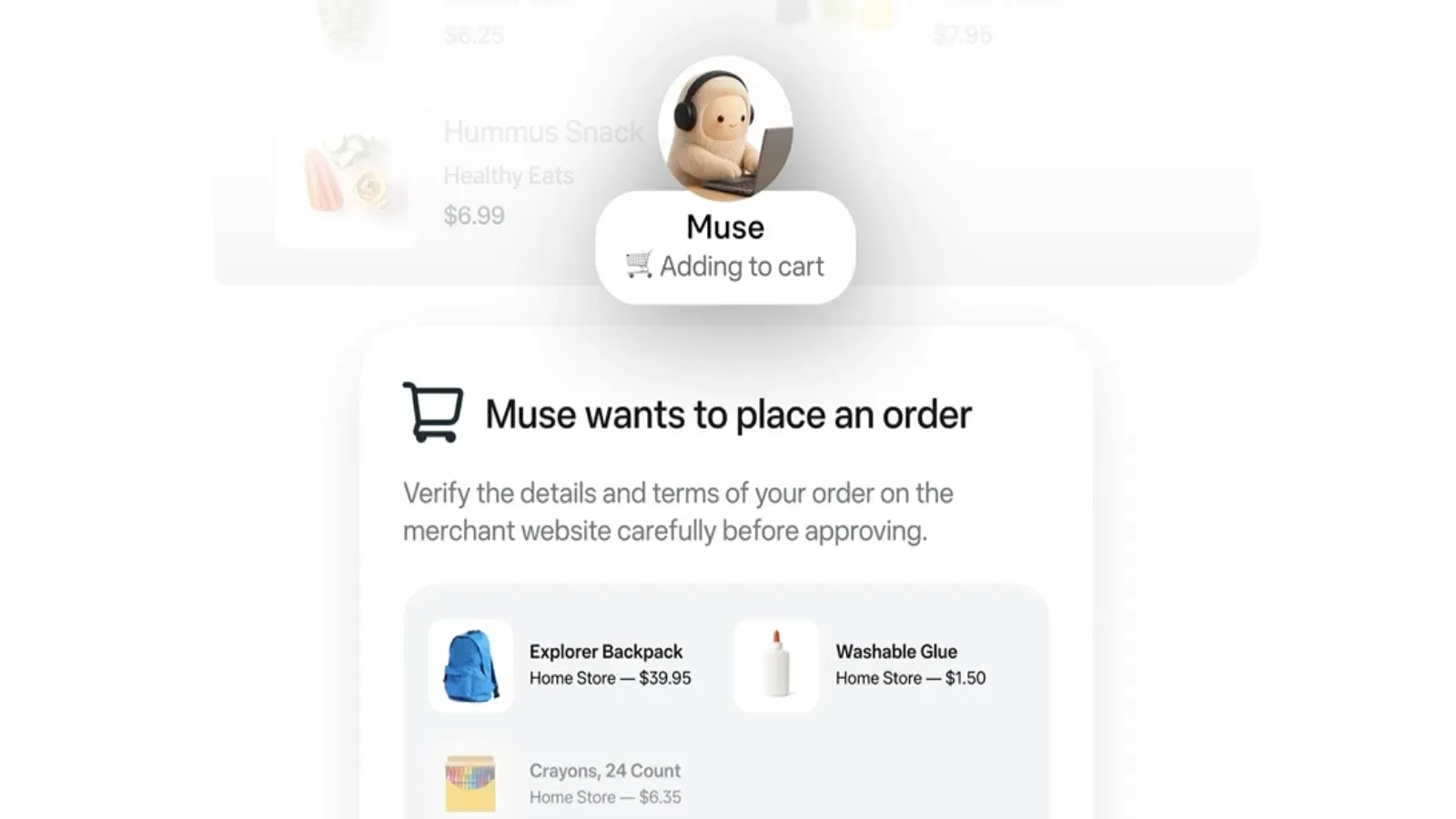
Muse is a personal AI agent that Meta launched on September 8, 2026. Unlike a typical chatbot, it’s built to complete tasks on your behalf. Meta’s examples include sending emails, booking travel, and filling out online forms. It can also keep working in the background and check back with you when something changes or when it needs your approval.
Muse first launched through its own app, the muse.ai website, and WhatsApp. Instagram came a few weeks later. It’s powered by Muse Spark, a model Meta built for real-world tasks.
One point often causes confusion: Muse is not the same as Meta AI. Meta AI is the assistant already built into Instagram, Facebook, Messenger, and WhatsApp. Muse is a separate product with its own account, app, and pricing, which connects to your Meta apps when you allow it.
How Muse works with Instagram
On September 27, 2026, Meta’s AI chief Alexandr Wang showed off a new profile banner. It lets you add your Muse under your bio, next to the Threads and WhatsApp badges. Visitors can see that you’ve connected Muse, and Meta’s demo showed a visitor tapping the banner to message the owner’s Muse directly.
Muse connects to Instagram through Meta’s Accounts Center. Once you give it access, it can work with your saved posts, messages, and feed. That means you can search your own Instagram content just by asking.
Meta’s favorite example is turning a recipe reel you saved into a grocery list. For creators, Meta says Muse can also:
- Give content strategy tips for your account
- Summarize your account and recent activity
- Flag collaboration offers and compare them with industry averages
There are limits. So far, nothing from Meta says Muse can publish or schedule Instagram posts for you. It reads and organizes; you still post.
How to add Muse to your Instagram profile
Before you start, you’ll need a Muse account, set up through the Muse app on iOS or Android or at muse.ai. Your Instagram account should also be in the same Meta Accounts Center as your Muse account.
- Update Instagram to the latest version.
- Open Instagram and tap your profile picture in the bottom-right corner.
- Look for + Add your Muse below your bio.
- When the banner appears, tap Add next to Your Muse.
- Go back to your profile. Muse should now appear below your bio.
- Tap Muse and choose Main chat to start a conversation.
Don’t see the option? The feature is still rolling out and is limited by region. Try updating the app and checking that your accounts are linked in Accounts Center.
Want to remove it? To cut off Muse’s access completely, disconnect Instagram in the connectors section of the Muse app.
How much does Muse cost, and where is it available?
Muse is free to use with a usage limit. Heavier users can pay for a subscription tier with higher limits.
At launch, Muse rolled out in the United States on iOS, Android, and muse.ai. Meta hasn’t announced dates for most other countries yet, so if you’re outside the US, the option may not appear for now.
Meta is also expanding Muse beyond individual users. In late September 2026, it announced Muse for Small Business, which connects the agent to tools like Asana, Zoom, Canva, and Slack, as well as Meta ad accounts and professional Instagram and Facebook profiles. Pricing matches the regular Muse app.
Muse Image: the controversy you may have heard about
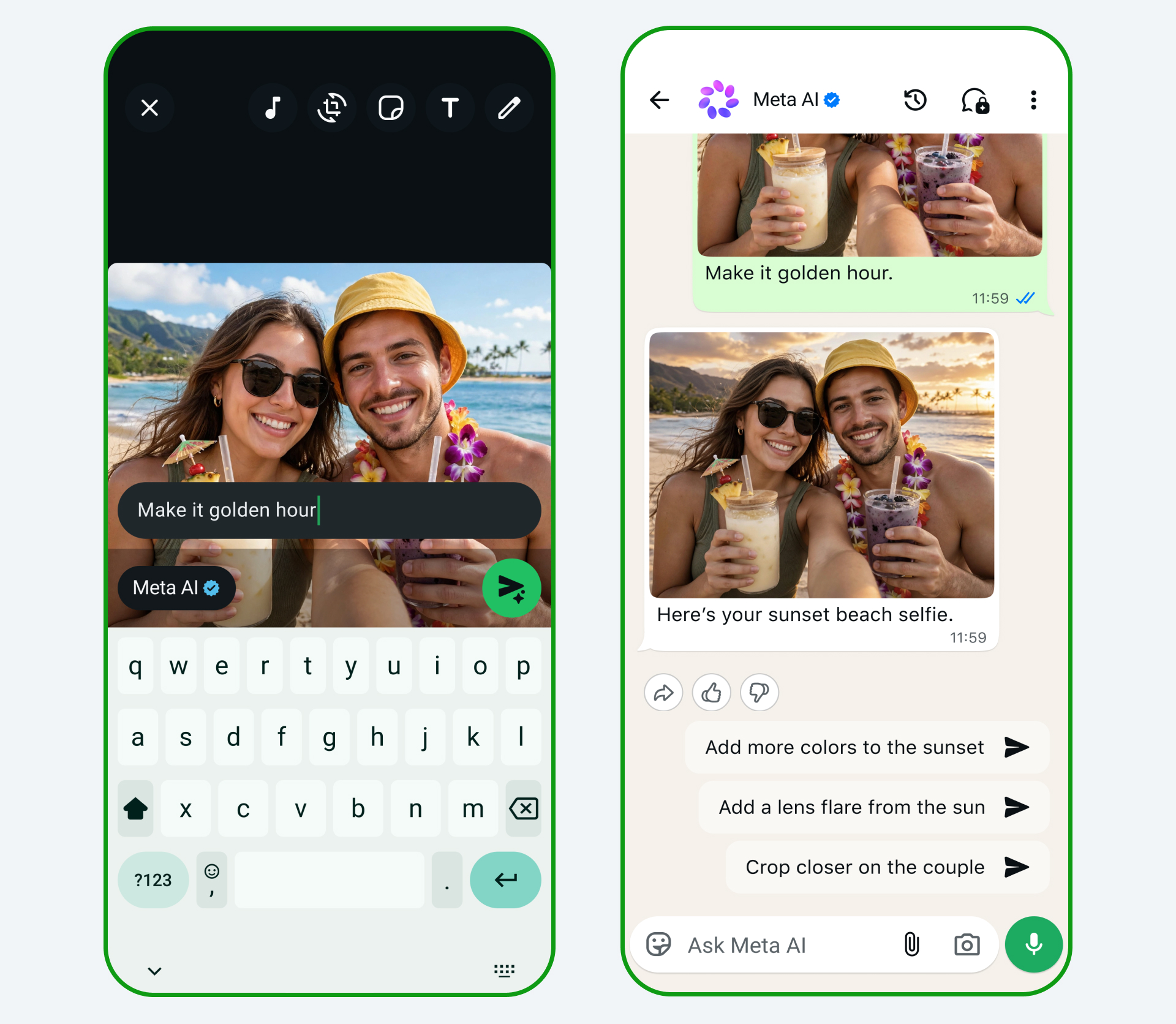
Before the Muse agent arrived, the name made headlines for a different reason. In early July 2026, Meta launched Muse Image, its first AI image generation model, built by Meta Superintelligence Labs. It went live on meta.ai and in Instagram Stories in the US.
One feature caused an uproar. Users could @-mention any public Instagram account in a prompt, and Muse Image would use that account’s public photos as a reference. Every public profile belonging to an adult was included by default. People weren’t notified when their photos were used, and the only way out was to find a setting and switch it off.
The reaction was fast. Users shared opt-out guides across social media. The actors’ union SAG-AFTRA said anything less than clear opt-in consent was unacceptable, and Creative Artists Agency (CAA) also criticized the launch.
Three days after launch, Meta removed the feature and said it had “missed the mark.” It’s worth being precise about what changed, though. Meta removed the ability to reference public Instagram accounts, but the underlying Muse Image model is still part of Meta AI.
Privacy: what to check before you use Muse
Muse is most useful when it can see a lot of your data, so it’s worth deciding what you’re comfortable sharing.
- Know what it can access. Once connected, Muse can reach your saved posts, messages, and feed. You can disconnect services or ask Muse to forget information.
- Check your sharing settings. Go to your profile, open the menu, and find Sharing and reuse. This is where you control whether your public content can be reused with Meta’s AI features.
- Think about the public banner. If you add Muse to your profile, visitors can see it and may be able to interact with it. Review the permissions before turning it on.
Conclusion
Muse on Instagram is Meta’s personal AI agent, now one tap away from your profile. It’s part of Meta’s bigger push to put AI agents across its apps, from WhatsApp to small business tools. For many people, turning saved posts into plans or lists will be genuinely useful.
The Muse Image episode is a reminder to check your settings, though. Try Muse if it fits how you use Instagram, but decide what it can access before you connect it.
Frequently asked questions
1. Is Muse the same as Meta AI?
No. Meta AI is the assistant built into Meta’s apps. Muse is a separate personal agent with its own app and account.
2. Can Muse post to Instagram for me?
Not as far as Meta has said. It can read your saved content and give advice, but it doesn’t publish or schedule posts.
3. Can people use my photos with Muse?
The Muse Image feature that referenced public accounts was removed in July 2026. Check your Sharing and reuse settings to control how your public content is used with Meta’s AI features.
4. Why don’t I see “Add your Muse”?
It’s still rolling out, mainly in the US. Update the app and make sure your Instagram and Muse accounts share the same Accounts Center.