

Who Viewed Your Instagram Reels? Here’s the Real Answer
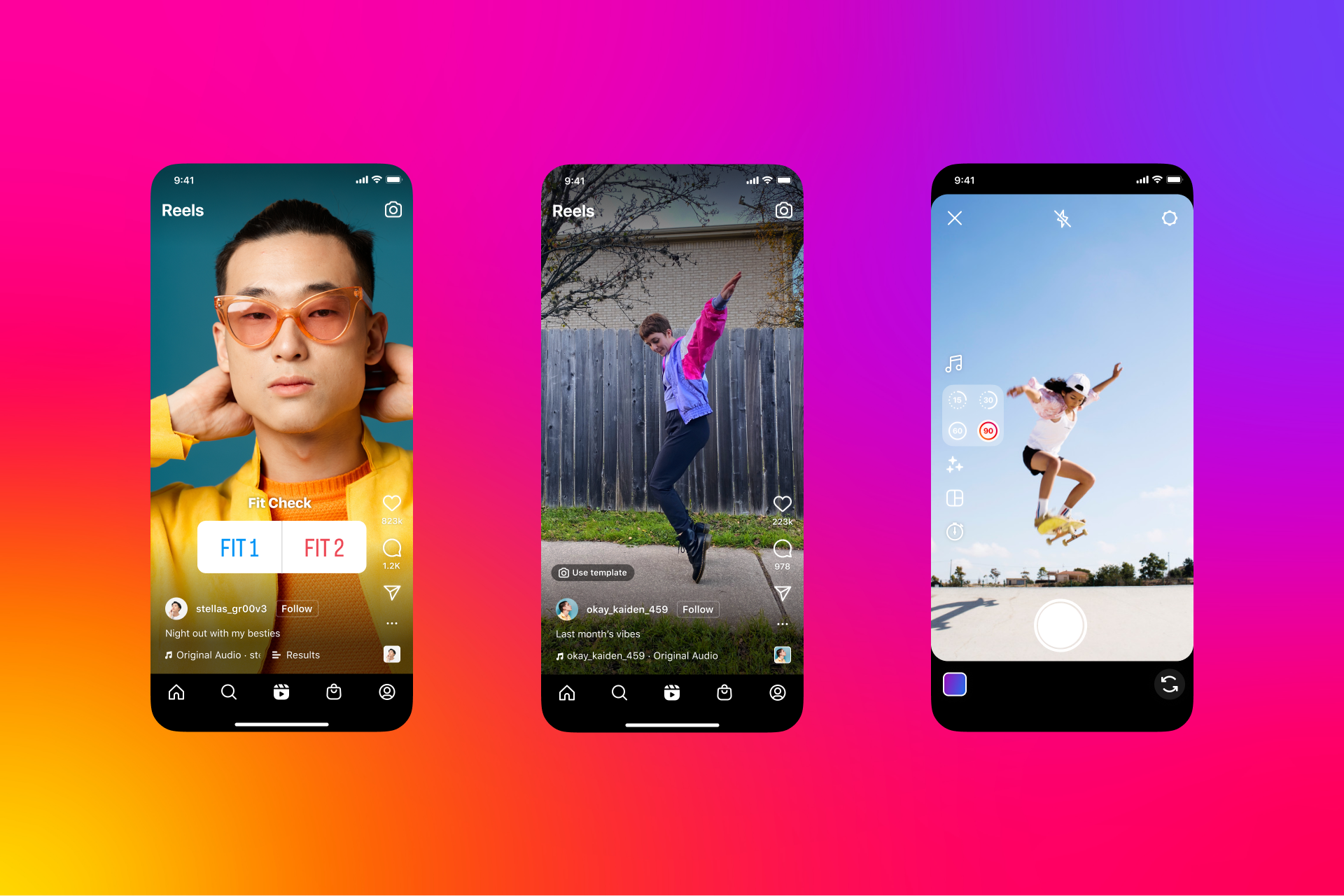
If you’ve ever wondered who viewed your Instagram Reels, you’re not alone. It’s one of the most frequently asked questions by creators, influencers, and everyday users hoping to track their reach and engagement more closely.
So let’s clear the air: Instagram does NOT show you the exact users who watched your Reels.
That’s right. No matter how many views your Reel gets, Instagram won’t reveal who actually viewed it—only how many did. But there are still powerful tools and insights you can access to understand your Reel’s performance.
What You Can Actually See
If you’re using a Business or Creator account (not a Personal one), Instagram offers a feature called Reel Insights. These analytics let you track key performance metrics such as:
- Total number of views
- Reach (how many were followers vs. non-followers)
- Average watch time
- Engagement metrics (likes, comments, shares, saves)
Although you can’t see who viewed your Instagram Reels, you will see usernames of those who liked or commented on them. This gives you a partial glimpse into who’s interacting with your content.
How to Access Reel Insights
On Mobile:
1. Open your Instagram profile.
2. Tap the menu (three lines) in the top-right.
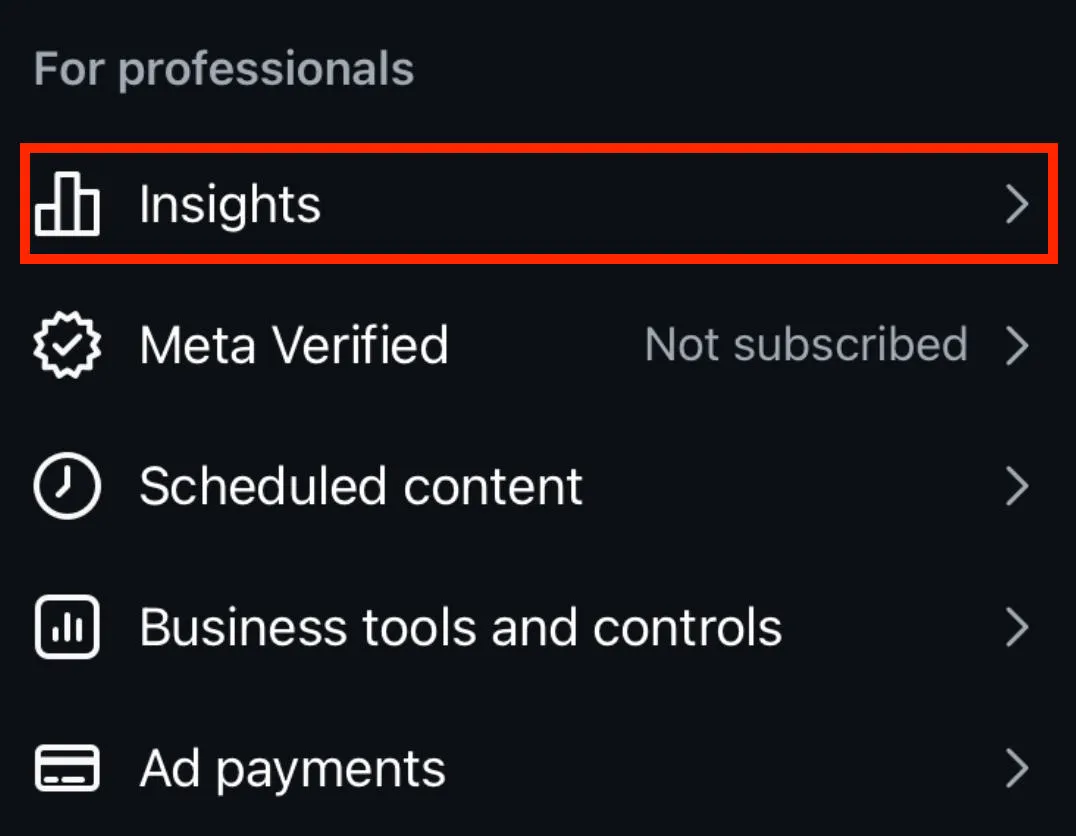
3. Go to Insights > Content You Shared.
4. Tap All and filter by Reels.

5. Select a Reel to view detailed analytics.
Directly from a Reel:
1. Tap the Reel on your profile.
2. Click the three-dot menu.
3. Select View Insights.
On Desktop:
1. Go to your Instagram profile.
2. Click on Dashboard in the left menu.

3. Under Professional Dashboard, click Insights > Content.

4. Select All > Reels to view performance.

Do You Need a Business or Creator Account?
Yes—Instagram only provides Insights to Business or Creator accounts. If you’re using a personal or private profile, you’ll need to switch account types and set your profile to public in order to access this data.
Can You Use Third-Party Apps to See Who Viewed Your Instagram Reels?
Nope. There are no third-party apps or tools that can tell you who watched your Reels. Any app claiming to offer this data is either a scam or phishing attempt, and giving them your login credentials could put your account at risk.
Instagram keeps viewer data private for a reason: to protect user privacy. So while you may want to know who viewed your Instagram Reels, it’s just not something the platform allows—even behind the scenes.
Can You Hide Reels From Certain Users?
Yes, you have a couple of options:
- Share to Close Friends: When posting your Reel, tap Audience and select Close Friends to limit visibility.
- Block Specific Users: Visit their profile, tap the three-dot icon, and hit Block to stop them from seeing any of your content.
Final Thoughts: Focus on What Matters
Instead of obsessing over who viewed your Instagram Reels, focus on what you can control—creating engaging content, analyzing your insights, and growing your reach authentically.
Instagram may not give you names, but with the right strategy, the numbers speak for themselves.