
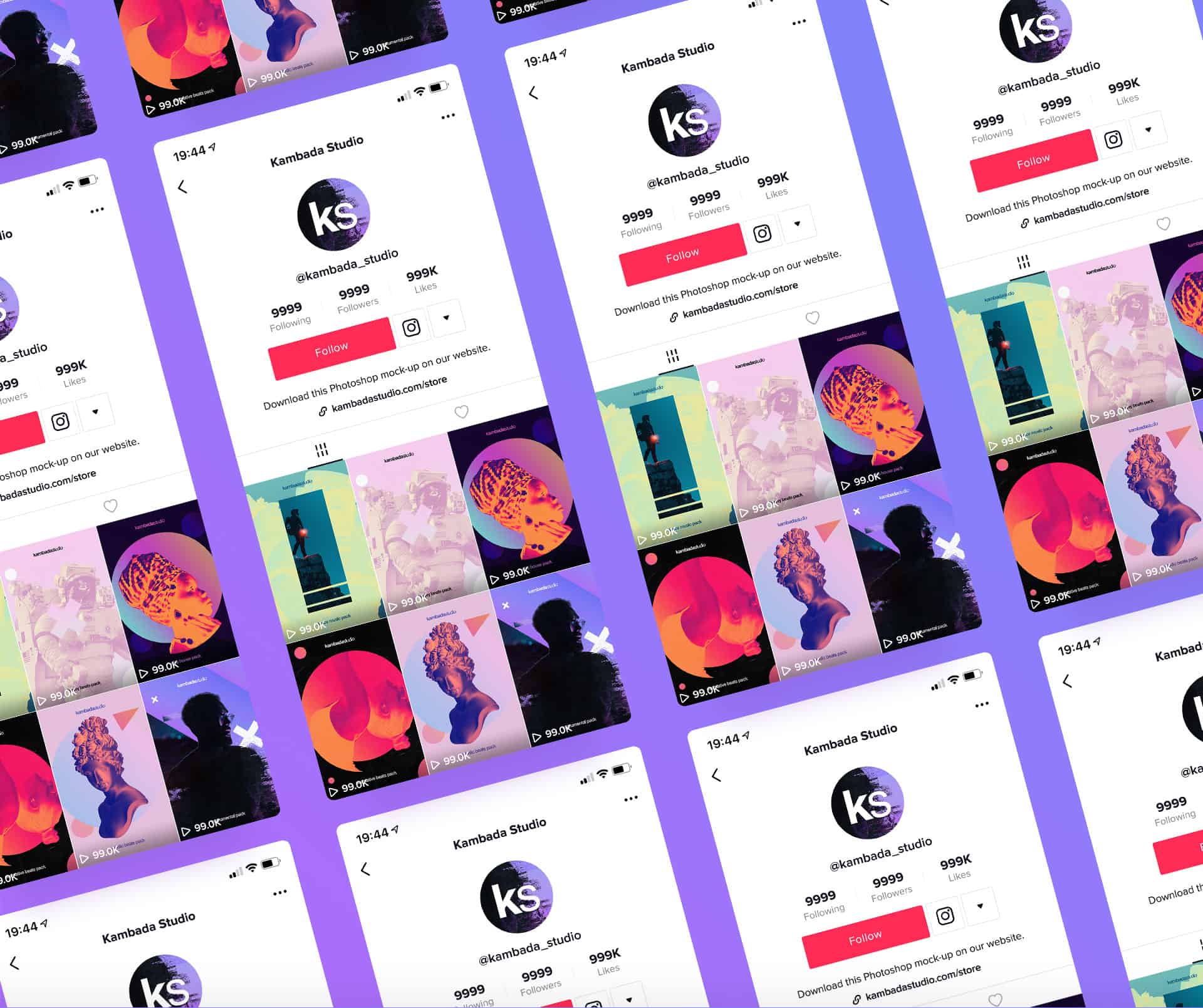
We have all been there. You set up your TikTok profile years ago on a whim, typing in a random, casual handle like * @CoolCat_123 * or a messy string of autofilled numbers. But fast forward to today, and you are trying to turn that personal account into a serious content hub, an professional portfolio, or a high-converting storefront linked to your online shop. Suddenly, that old, clunky handle feels less like a fun profile and more like a major obstacle to your brand’s growth.

Your username is your first digital handshake with the algorithm and your audience. It dictates your custom profile URL, determines how easily fans can tag you in videos, and shapes how you rank in the app’s search results. If your handle is confusing or hard to spell, you are essentially hiding from your potential followers. In today’s guide, we break down the “how to change username on tiktok”​. We will walk you through the distinct difference between your Display Name and your Handle, reveal step-by-step instructions for both mobile and desktop users, and unpack the platform’s strict update limits so you can rebrand smoothly without locking yourself out of your account.

Continue reading →


TikTok has grown far beyond a short-video app. Today, it works like a full personal branding space where your profile acts as a landing page. It’s where most of yourself being presented to the community of users. Every section matters—your bio, your pinned videos, and especially your Highlights (Featured Stories).

If you want your profile to look more professional, organized, and engaging, learning how to add highlights on TikTok profile is a must. This feature helps you keep your best Stories visible permanently so new visitors instantly understand who you are and what you do.

In this guide, you’ll learn exactly how to add Highlights, how to organize them properly, and how to use them to grow your TikTok presence.

Continue reading →


We all like to sneak a peek at someone else’s online profiles now and then. Usually, unless you accidentally like a post from 83 weeks ago, your snooping goes unnoticed. But TikTok is a little different—some users might actually see when you’ve visited their profile. That’s because TikTok has a feature called profile view history, which shows users who’s been on their profile. The good news is you can easily turn this feature on or off, depending on what works for you. By default, the profile view history is turned off. But if you’re planning to casually check out your ex’s new partner’s profile and still want to keep track of who’s watching your videos, you might want to toggle it on and off as needed. If you’re wondering how to turn off profile views on TikTok, it’s super easy.

Want to take control of your TikTok privacy? Follow these simple steps to adjust your profile view settings now!

Continue reading →


Can You Find Out Who Checked Your TikTok Profile?

Last Updated on October 3rd, 2024 at 11:12 am

Can You Find Out Who Checked Your TikTok Profile?

Ever been curious about who checked your TikTok profile? The ability to discover who views your content adds an extra layer of intrigue to the platform.

By enabling the post views feature, you open the door to understanding your audience’s engagement and receiving valuable feedback on your videos. This not only guides your content creation decisions but also fosters a stronger connection with your viewers.

As we delve into the exploration of who’s been visiting your TikTok space, let’s unravel the insights that can enhance your TikTok journey.

Continue reading →


When it comes to TikTok, your profile is the key to making a lasting impression and attracting a loyal following. In this blog post, we will provide you with essential tips and strategies for optimizing your TikTok profile and standing out in the crowd. From crafting the perfect profile picture and bio to utilizing effective hashtag strategies and engaging with your audience, we’ve got you covered. Let’s dive in!

Continue reading →