How to see who is stalking your Facebook profile? A lot of us do! We’re curious about who looks at our pictures, watches our videos, and reads our posts quietly. Facebook doesn’t straight-up tell us who these people are, but there are ways to guess who might be keeping an eye on your profile in 2024.

Let’s check out these tricks to figure out who’s stalking your Facebook and how you can keep your page more private.

Continue reading →


How to Lock Facebook Profile Easily in 2025

Last Updated on February 4th, 2025 at 12:38 pm

How to Lock Facebook Profile Easily in 2025

How to lock your Facebook profile? Locking your profile is a simple way to make sure only your friends can see your posts and photos. This guide will show you how to do it step by step. It’s a great option if you want to keep things more private or just limit who sees your stuff.

Let’s get started and learn how to lock your Facebook profile for better privacy.

TL;DR: The Facebook Lock Profile feature is an essential tool for anyone looking to protect their privacy on the platform. Once activated, this feature ensures that only your friends can view your full posts, photos, profile, and cover images. Non-friends will be limited to seeing only a small version of your profile and cover photos, preventing them from zooming in, sharing, or downloading these images. Additionally, any previously public posts will automatically be switched to “Friends Only,” giving you more control over who can interact with your content.

Locking your profile also enhances your security by requiring approval before anyone who isn’t your friend can tag you in posts or photos. This makes it harder for strangers to engage with your content in ways that you might not want. It’s an ideal feature for users who are concerned about privacy but still want to stay active on the platform. If you’re also looking to increase engagement on your posts while maintaining your privacy, check out our service for buying Facebook likes or Facebook page likes. With our tailored options, you can boost visibility among your friends and followers while keeping your personal information secure.

BMP - CTA section

Continue reading →


How to See a Friendship History on Facebook?

Last Updated on April 9th, 2025 at 4:24 pm

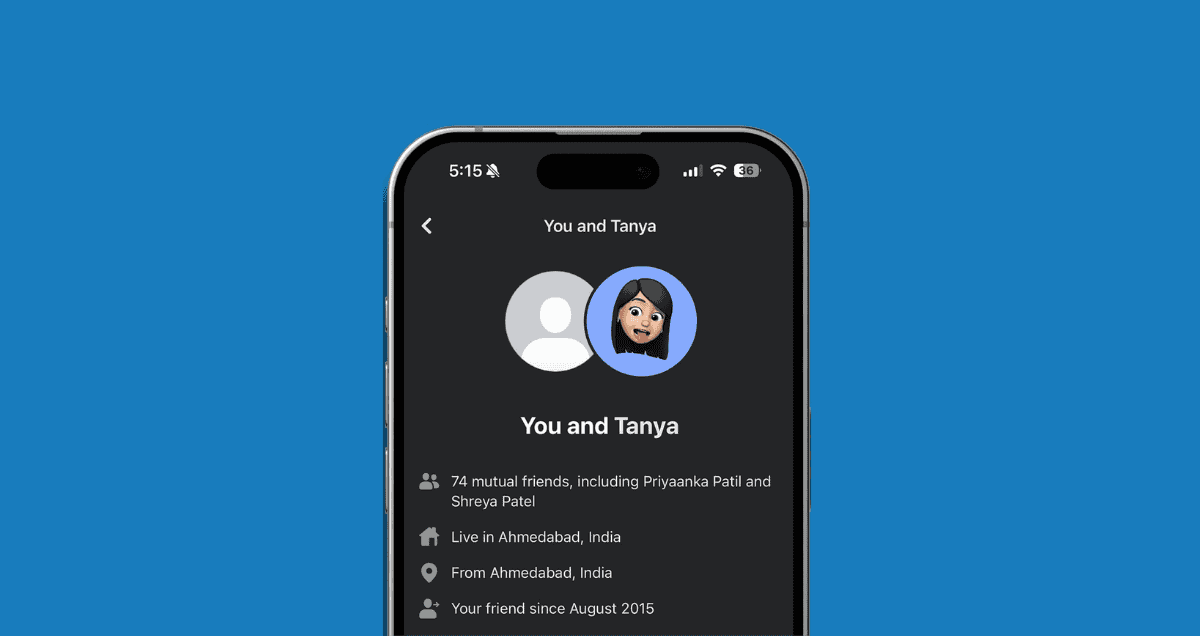
Do you want to know how to see a friendship history on Facebook? Whether it’s your best friend, a family member, or someone you haven’t spoken to in a while, Facebook actually makes it easy to look back at your friendship history.

In this guide, we’ll show you exactly how to view your friendship timeline, shared posts, photos, and more — all in just a few clicks.

Let’s begin!

Continue reading →


If you want to know how to find drafts on Facebook, whether they are personal posts or for your Facebook Pages, you’re in the right place. Drafts are a handy feature that lets you save your unfinished posts and come back to them later. In this guide, we will show you the easy steps to locate your drafts on Facebook.

Whether you want to find drafts for your posts that you share with friends and family, or drafts for your Facebook Pages that represent your business or public figure profile, we’ve got you covered. By learning how to find and access your drafts, you can make sure your content is polished and ready before sharing it with your intended audience.

Continue reading →


What Is Facebook Dating? Getting Started Guide

Last Updated on March 13th, 2024 at 9:35 am

facebook dating

If you’re curious about Facebook Dating and how to start, you’re in the right place! Facebook Dating is a special feature within Facebook that helps you find love and make connections with people who share your interests.

In this guide, we’ll walk you through the basics, like setting up your profile and browsing potential matches. By the end, you’ll be ready to dive into the world of Facebook Dating with confidence! Let’s get started!

Continue reading →