
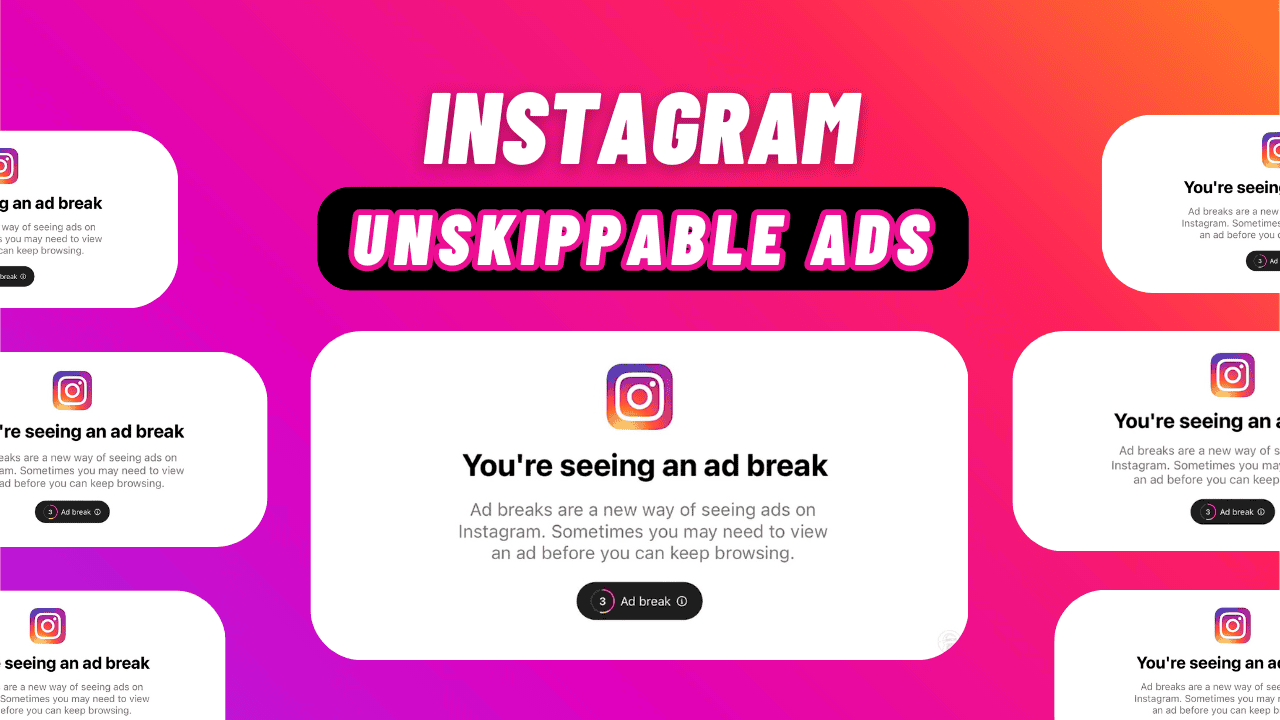
Instagram is one of the social media platforms I use, although not daily due to recent changes. It’s helpful in certain parts of my life. However, if they decide to add Instagram unskippable ads, I might quit the platform entirely. Here’s why.
Instagram algorithm
If you’re serious about your Instagram presence and aim to grow an active audience and earn from your content, choosing between a personal, business, or creator account matters. Here’s how Instagram creator and business account differ to help you decide.
If IG is glitchy or features aren’t working, it’s time to update. Regular updates fix issues and add fun new features. Here’s how to update Instagram on Android and iOS.
Using Instagram isn’t just for fun; it can also help you earn money as an influencer. To make cash, you need to know how to get sponsored. You don’t need lots of followers for sponsorships. Even those with under 10K followers, called micro and nano influencers, can land brand deals. Follow our guide to get sponsored on Instagram in 2024. You can turn your account into an income source, whether as a side job or your main gig.
In this guide, we’ll talk about why Facebook Commerce Manager is useful, answer some common questions, and point out things to watch out for to have a smooth experience selling on the platform.
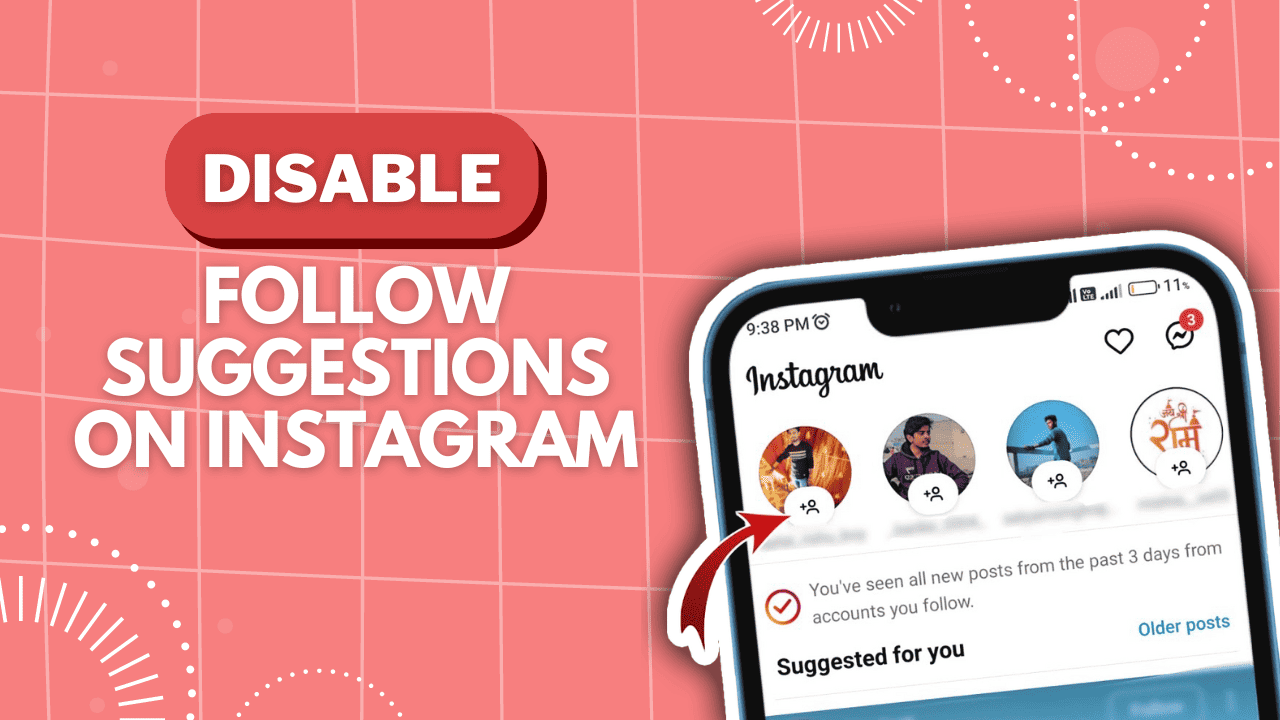
Instagram allows you to follow accounts you like and suggests others based on your interests. You’ll always see suggestions to follow more accounts, no matter what device you use. While it helps find new content, it can be annoying if you get suggestions for accounts you’re not interested in. If you’re in this situation, it’s a good idea to stop Instagram from suggesting accounts to follow. Disable follow suggestions on Instagram means Instagram won’t bother you with more account names to follow. In this article, we’ll explain how Instagram’s algorithm works and how to stop following suggestions.
Stories on Instagram are a wonderful way to share cherished moments with friends and followers. However, many users often encounter the issue of blurry Instagram stories with reduced quality. If you’re facing this problem, don’t fret! This article aims to assist you in resolving it. Whether it’s understanding the cause or providing effective troubleshooting solutions, we’ve got you covered with our tried and tested methods. Let’s delve into it and fix blurry Instagram stories together!
An increasing number of brands advertise on Instagram. With over 1 billion users, the potential audience is vast! However, manage comments on Instagram ads, also known as Instagram dark post comments, can be challenging. It’s difficult to gather them all in one spot and reply efficiently.
Instagram has been around since 2010, and over the years, it has introduced many updates to its app. One of the biggest changes was adding Stories in 2016. An Instagram Story is a short video that lasts for only 24 hours before it disappears. Instagram has added extra features and effects to make Stories more fun. The main problem with Stories is that they vanish after 24 hours. Sometimes, users wish to see Stories that are no longer available. If you’re wondering how to view old stories on Instagram, don’t fret. We’ll show you the steps to view disappeared Stories on Instagram.
Many huge Instagram profiles set their account private to boost follower counts. And these accounts get millions of followers. Do you get more Instagram followers in public or private mode? If you are wondering this, find your answer in this guide.
In this guide, we will explain why more and more Instagram profiles are setting their accounts private. Does it effectively work for increasing the number of followers? And which one helps you get more followers: a public or private account?